Your Mac has a touch screen.
macOS pretends it doesn't.
Plug a touch monitor into a Mac and you can tap to click — and that's it. Touch Enabled Mac fills in the rest: natural scrolling, an iPad-style keyboard that appears when you need it, and controls big enough for fingers.
The problem
Touch monitors work beautifully with Windows and iPads. Connect one to a Mac and you hit three walls immediately:
Scrolling doesn't work
macOS only tracks a single finger, so the two-finger swipe you use everywhere else does nothing. Every scroll means finding a scrollbar.
No on-screen keyboard
Tap a text field and… nothing. You reach back for the physical keyboard, defeating the point of a touch setup.
Targets made for a mouse
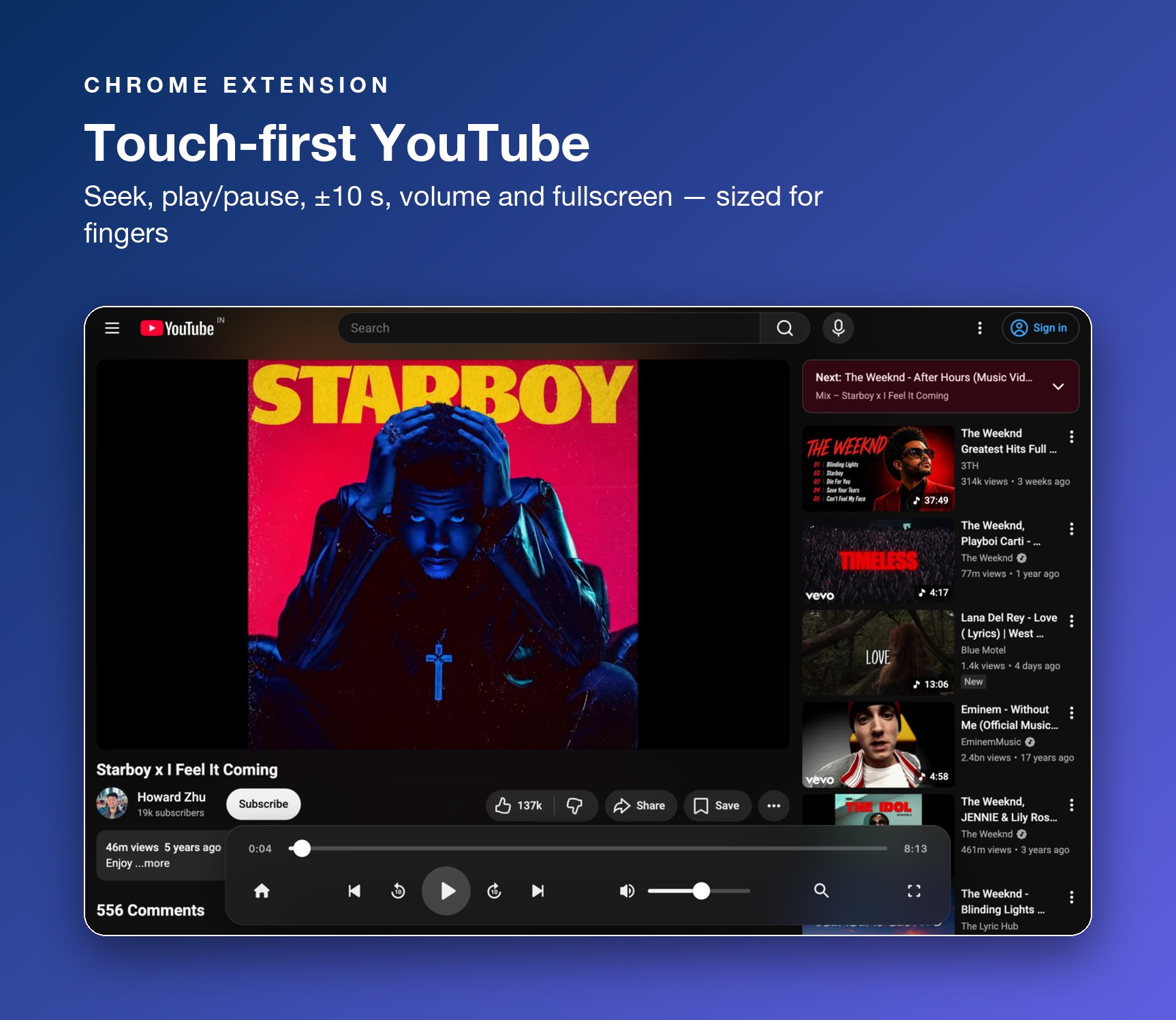
Video controls, seek bars and menus are built for a precise pointer — frustrating and error-prone with a fingertip.
The fix — two small tools
A native menu-bar app for the system, and a Chrome extension for the browser. Each works alone; together they make touch feel first-class everywhere.
Touch that works in every app
- Two-finger swipe scrolling — natural-direction, horizontal and vertical, on any touch monitor.
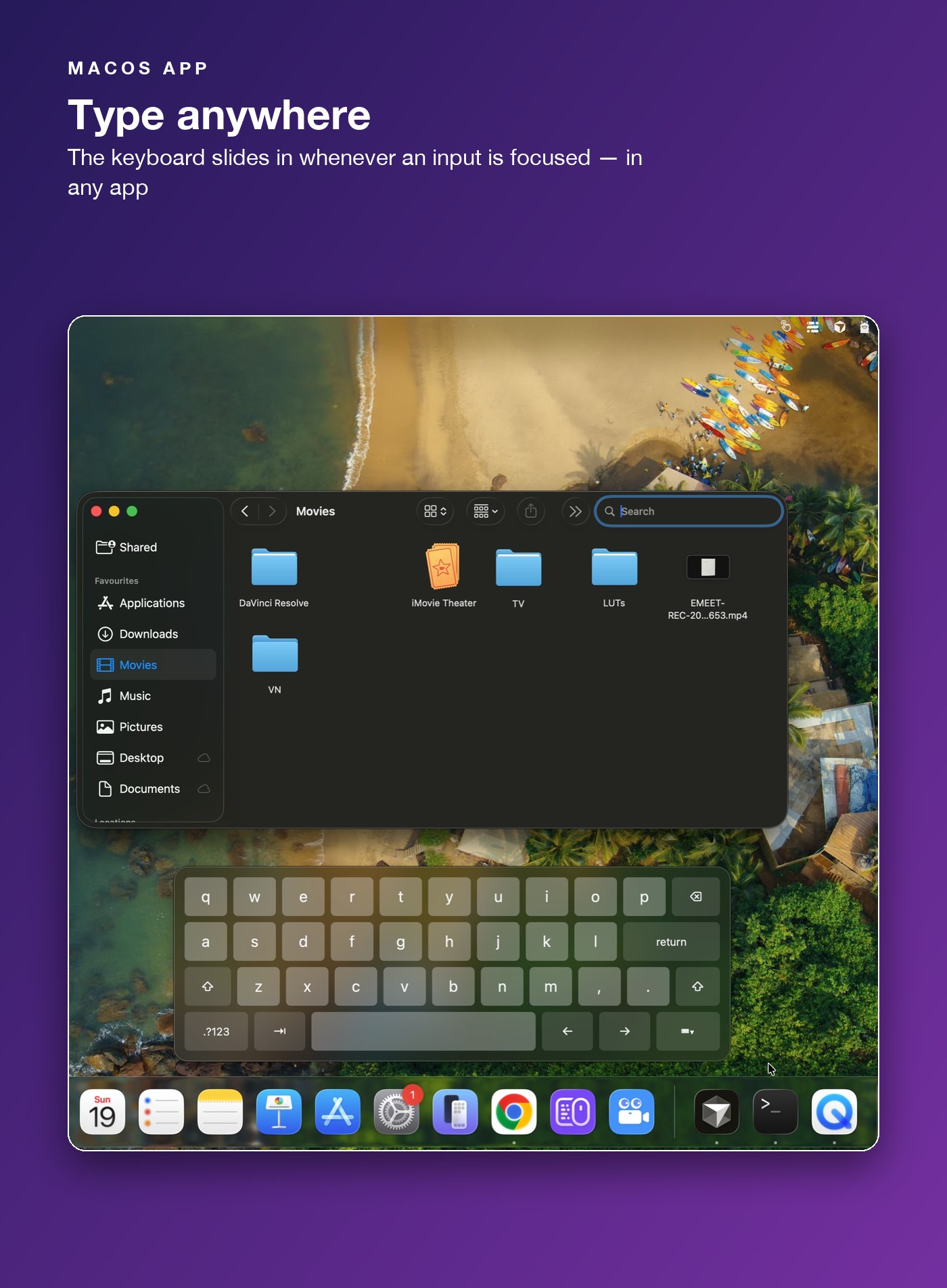
- Keyboard on focus — the iPad-style keyboard slides in when you focus any input box, in any application.
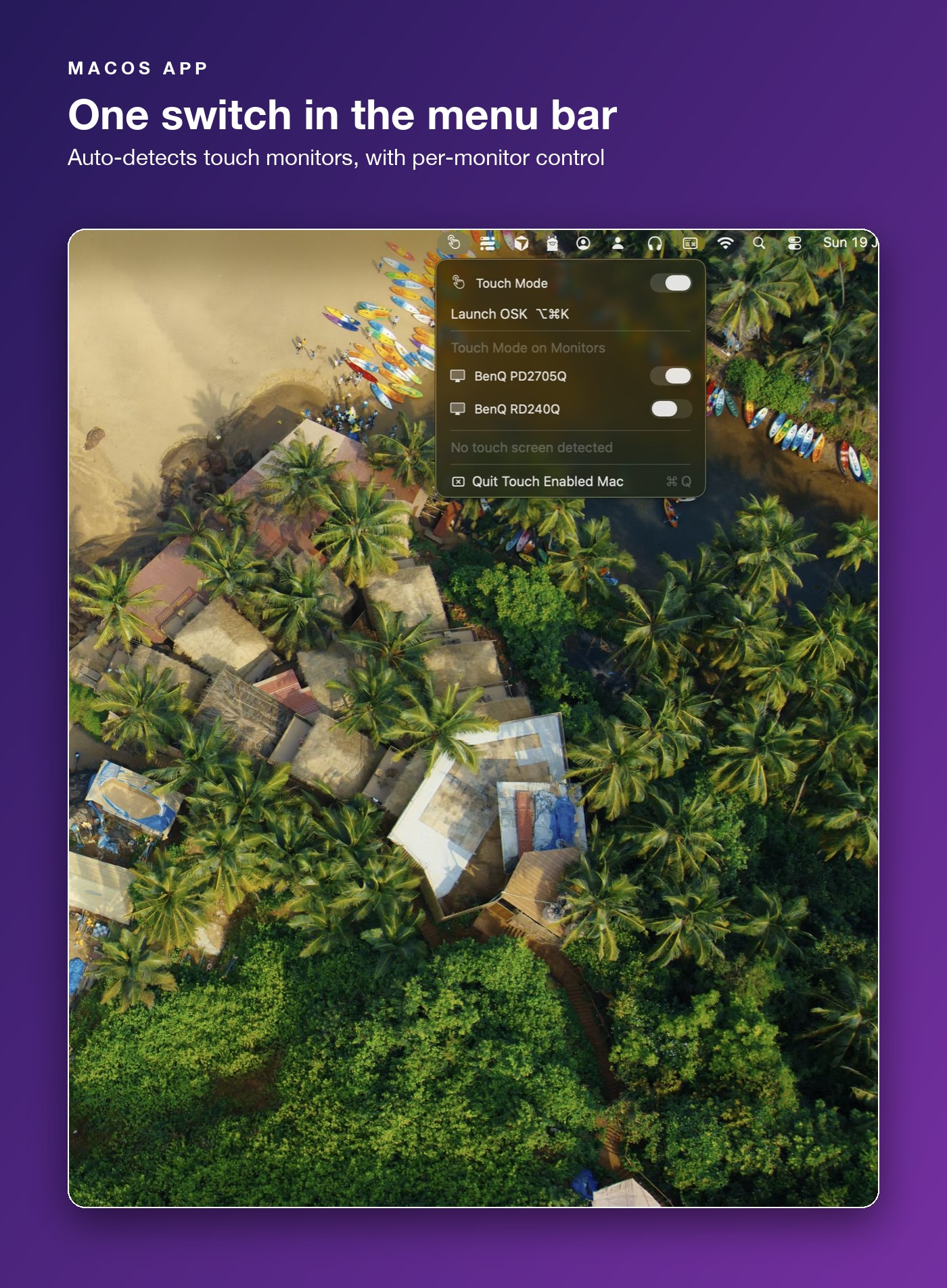
- One menu-bar switch — auto-detects touch screens, with a per-monitor toggle and a ⌥⌘K shortcut.
Touch-friendly browsing
- Touch media controls for YouTube — big play/pause, prev/next, ±10 s, volume and seek targets.
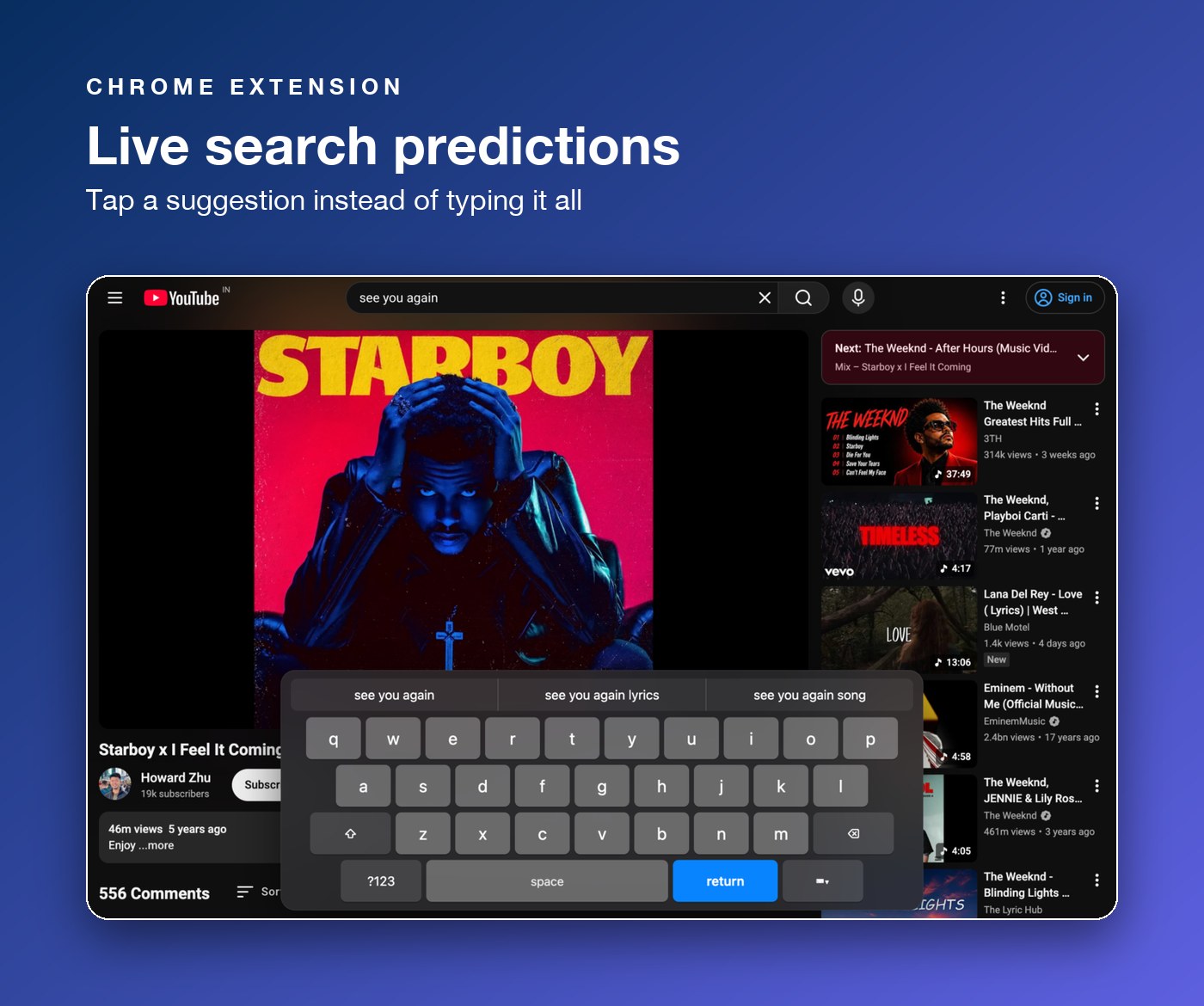
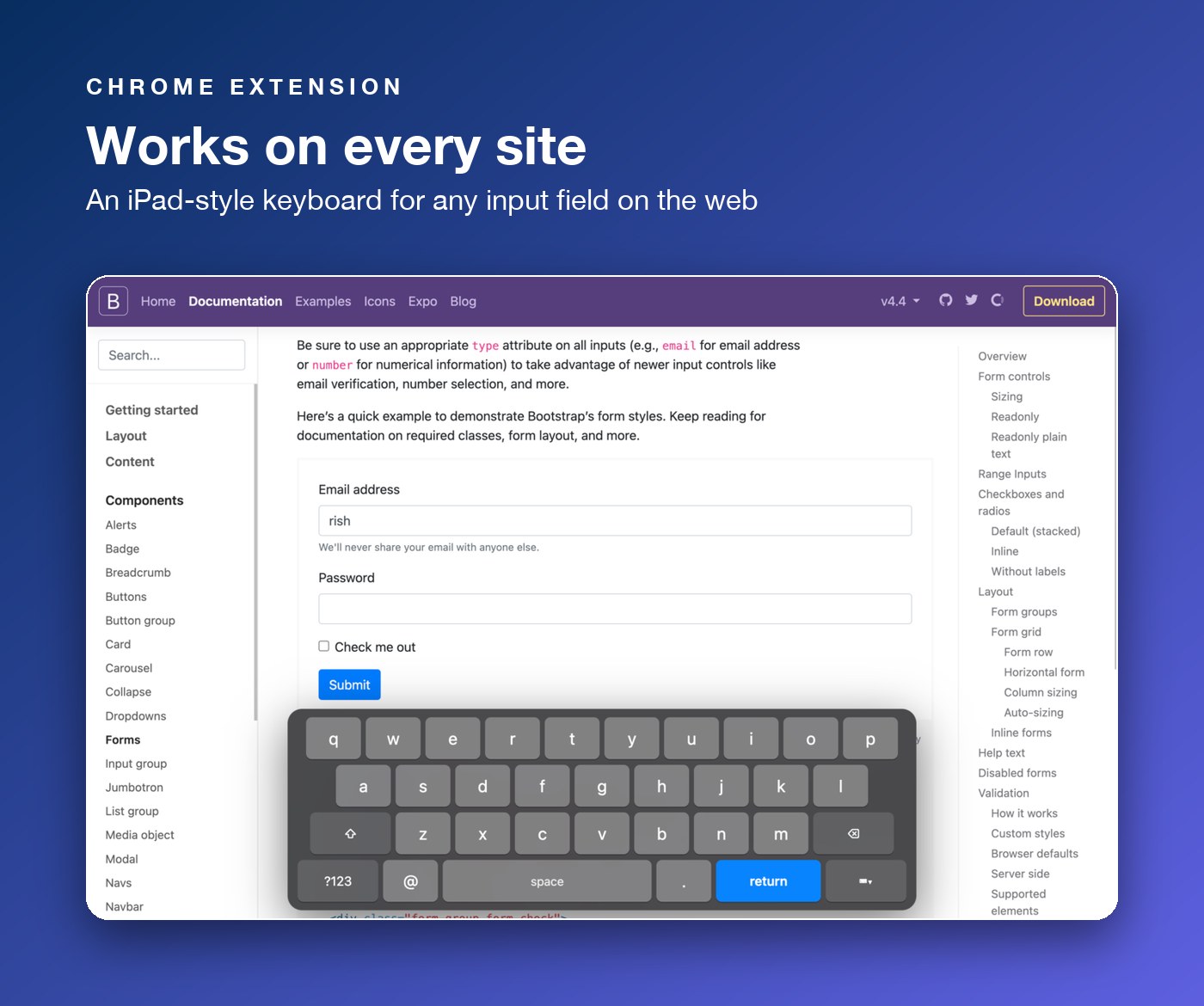
- A keyboard on every site — works with any input field, including React/Vue apps and strict sites like Google.
- Live predictions — word completions and YouTube search suggestions as you type.